$29
Frame Studio
GIVE YOUR FOOTAGE A FINISHED LOOK IN SECONDS
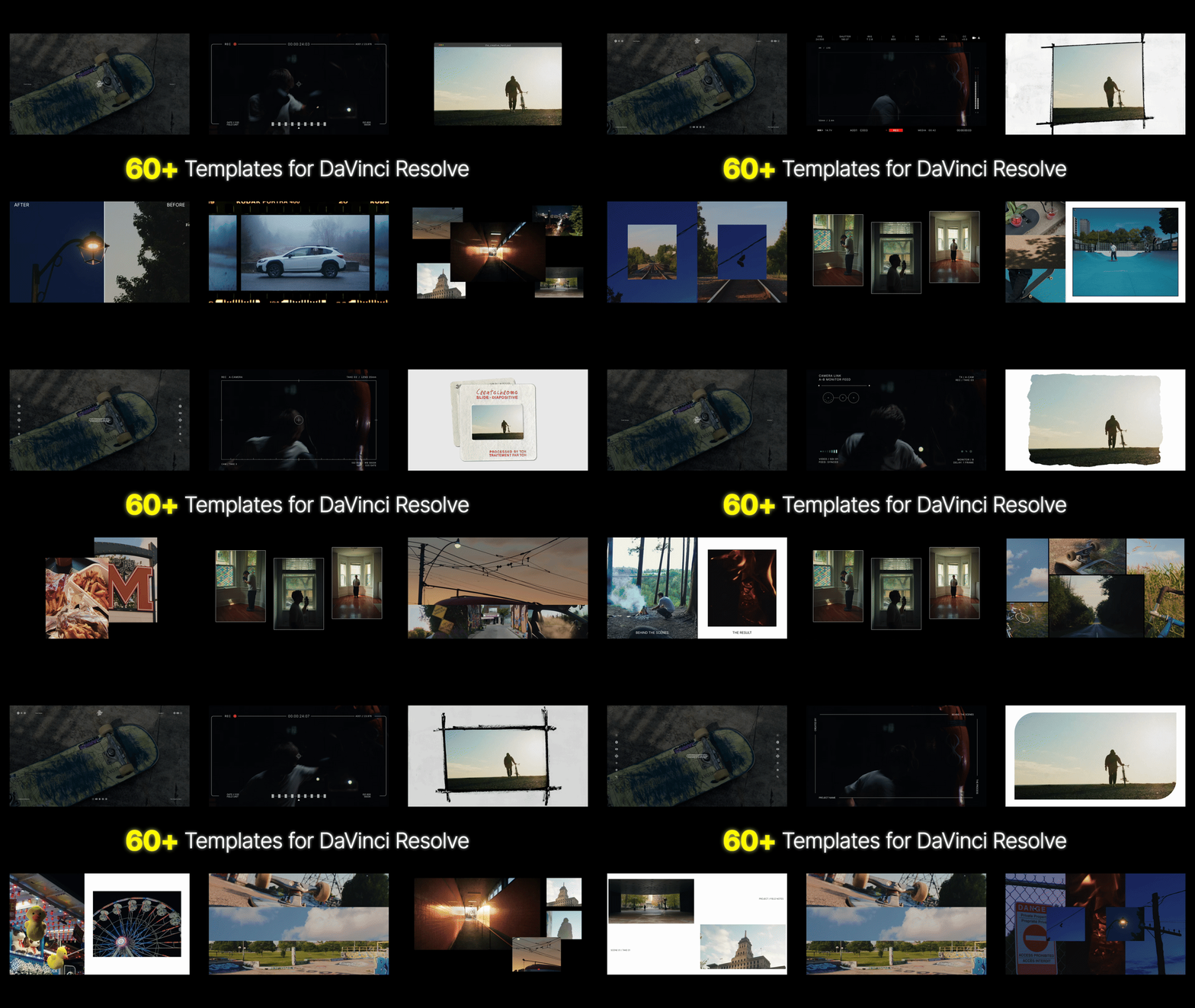
60+ editable DaVinci Resolve templates. Frame a single shot, compare two clips, or bring up to eight pieces of media into one layout.
Frame Studio brings together minimal overlays, camera HUDs, textured frames, split screens, and multi-image layouts. Build your look directly on the Edit page in DaVinci Resolve.
WHAT YOU GET
- 60+ editable templates in 6 folders — Minimal, Camera HUD Overlays, Single Frames, Double Frames, Triple Frames, and Multi Frames.
- DRFX Installer — Install the templates under Effects → Generators → The Creative Herd → Frame Studio.
MINIMAL OVERLAYS
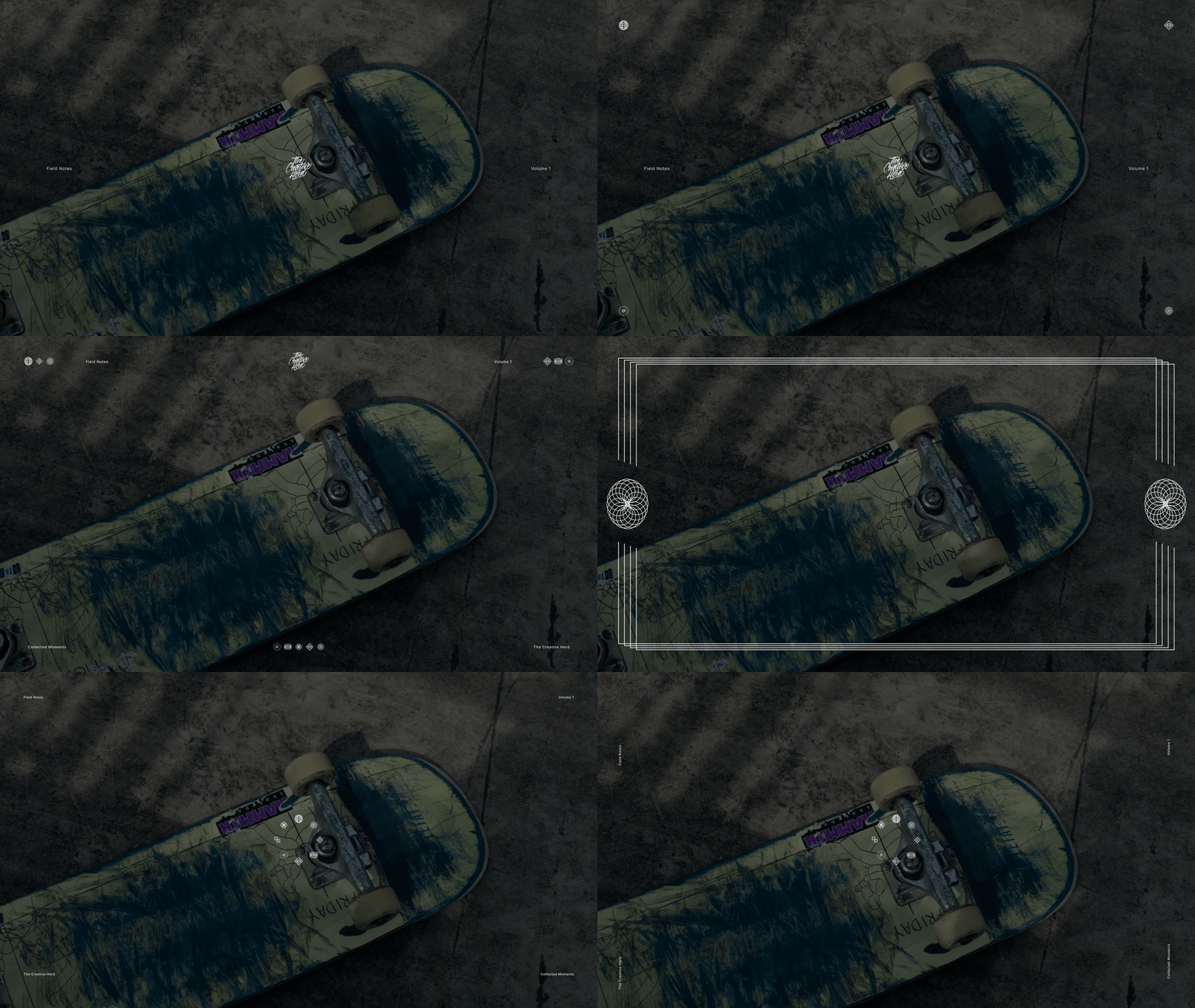
Clean layouts with changing icons, minimal text, side accents, and replaceable logos.
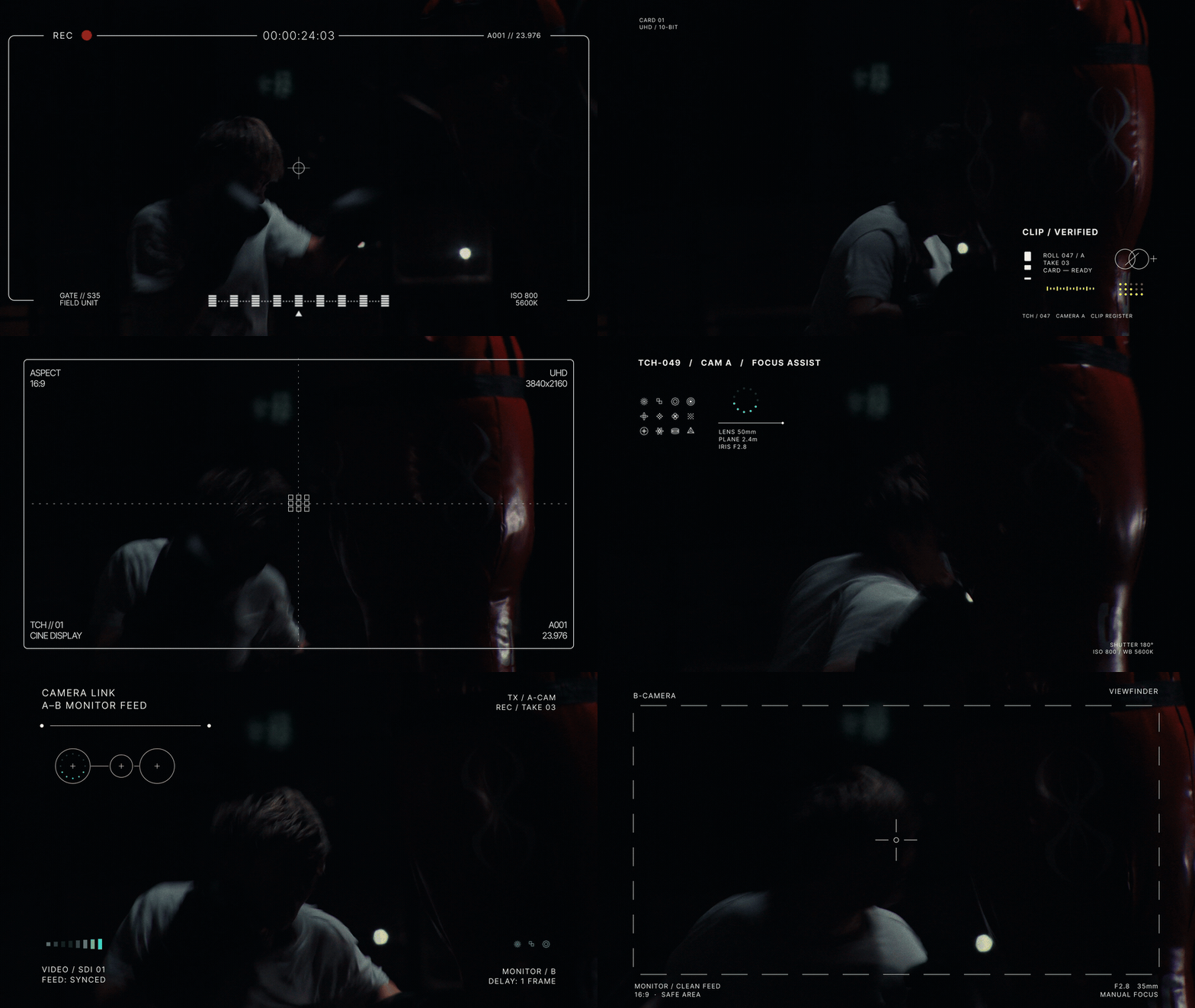
VIEWFINDER OVERLAYS
Viewfinders, camera monitors, tracking marks, and technical readouts.
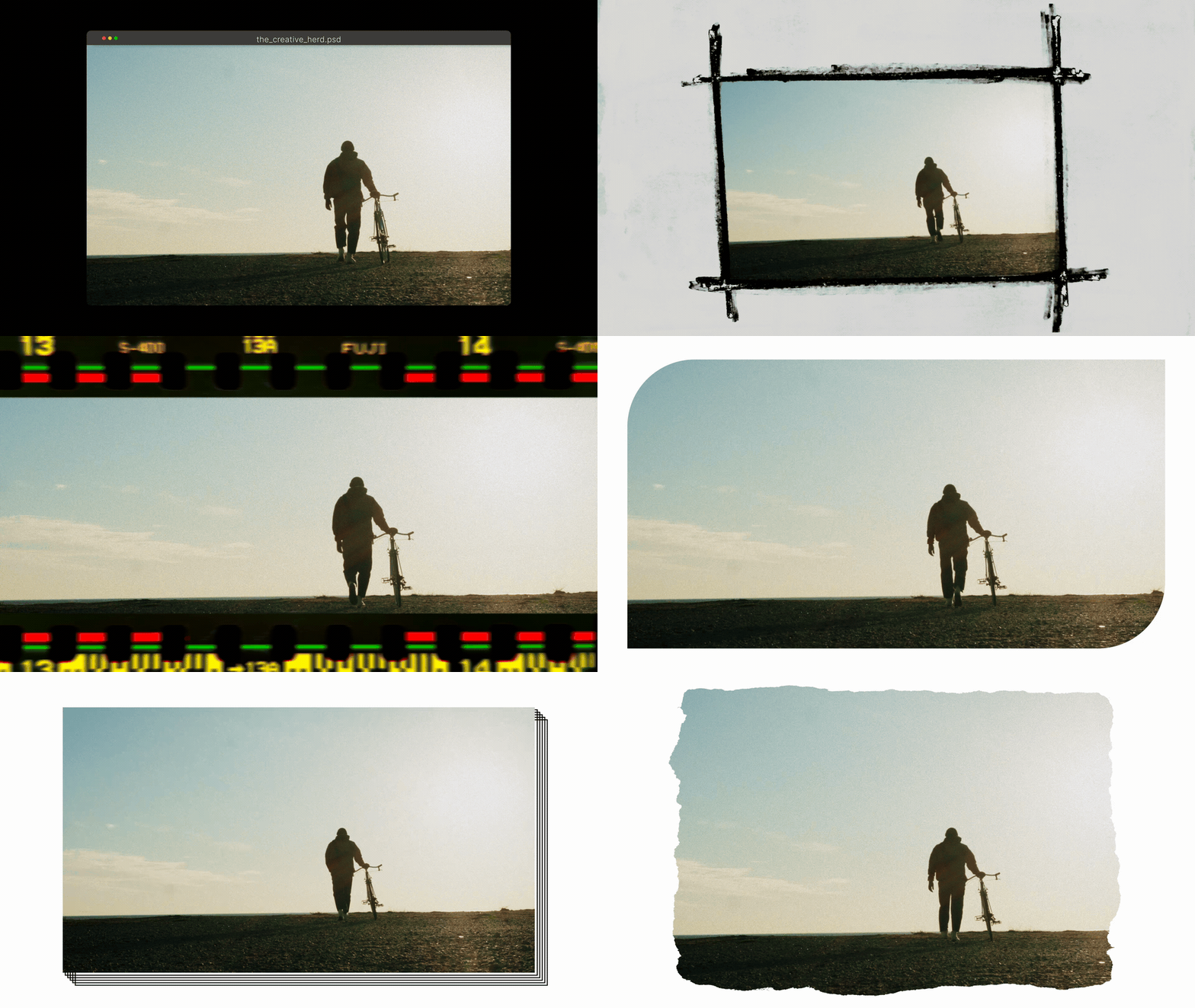
SINGLE FRAMES
Film borders, torn paper, marker frames, and a browser window. Give one shot a place to live, with styles ranging from clean and minimal to textured and handmade.
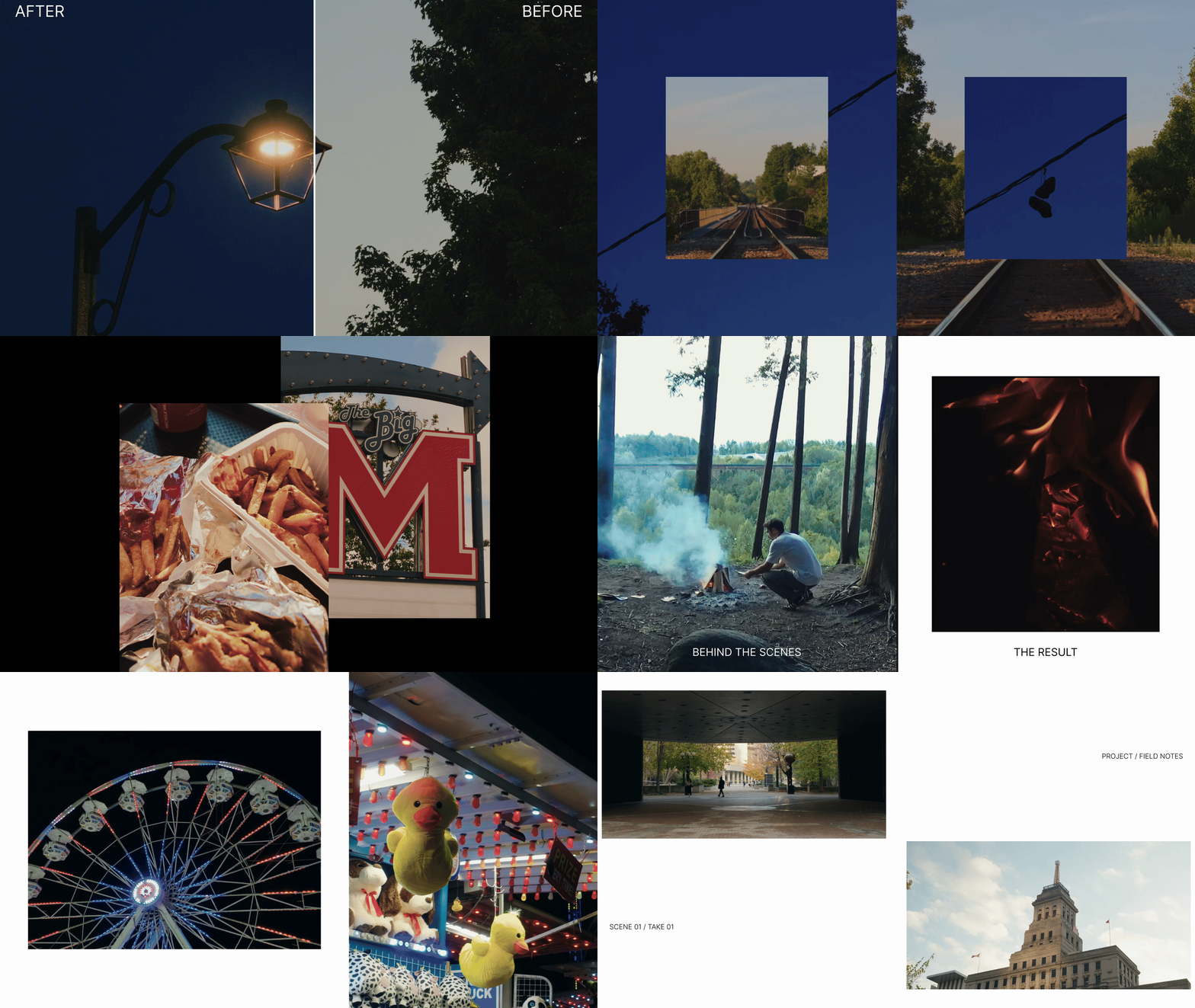
DOUBLE FRAMES
Showcase two pieces of media
with side-by-side layouts, picture in picture,
before & after comparisons.
TRIPLE FRAMES
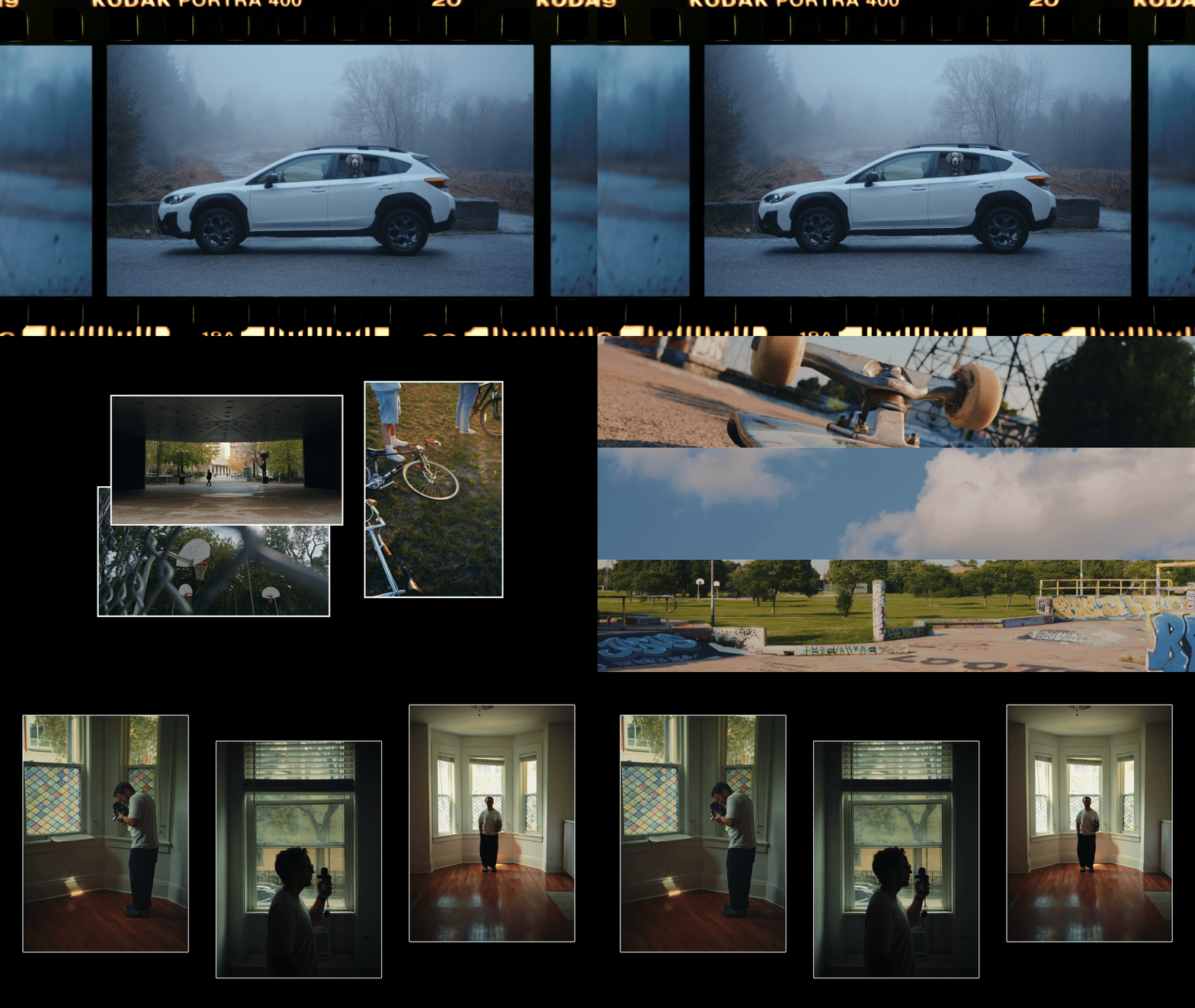
Build a sequence inside a single frame.
MULTI FRAMES
Combine four to eight pieces of media with grids, overlapping cards, detail strips, and collage layouts.

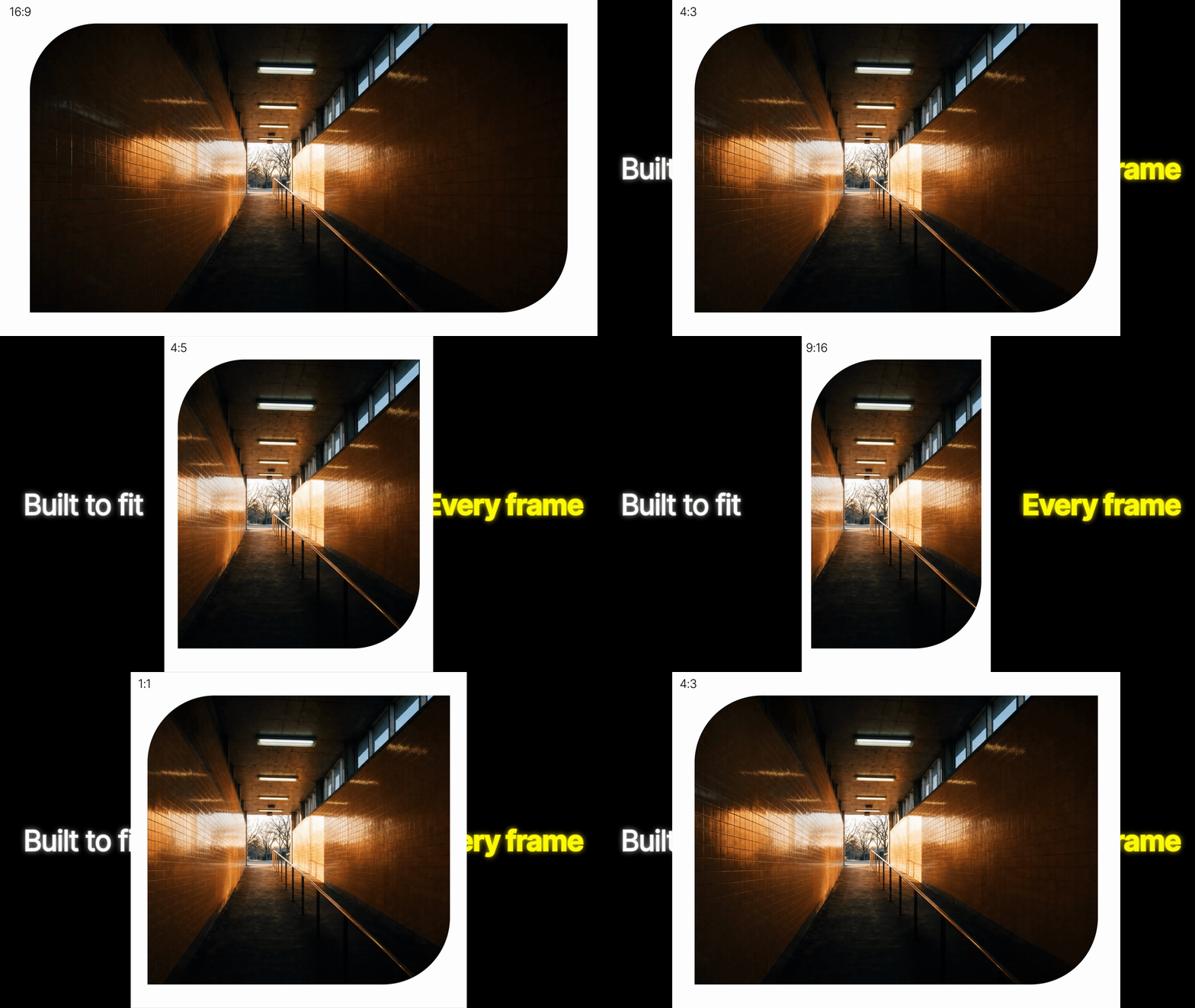
FOR ANY FRAME
Frame Studio layouts adapt to your timeline’s aspect ratio, so your framing fits the format.
MAKE IT YOURS
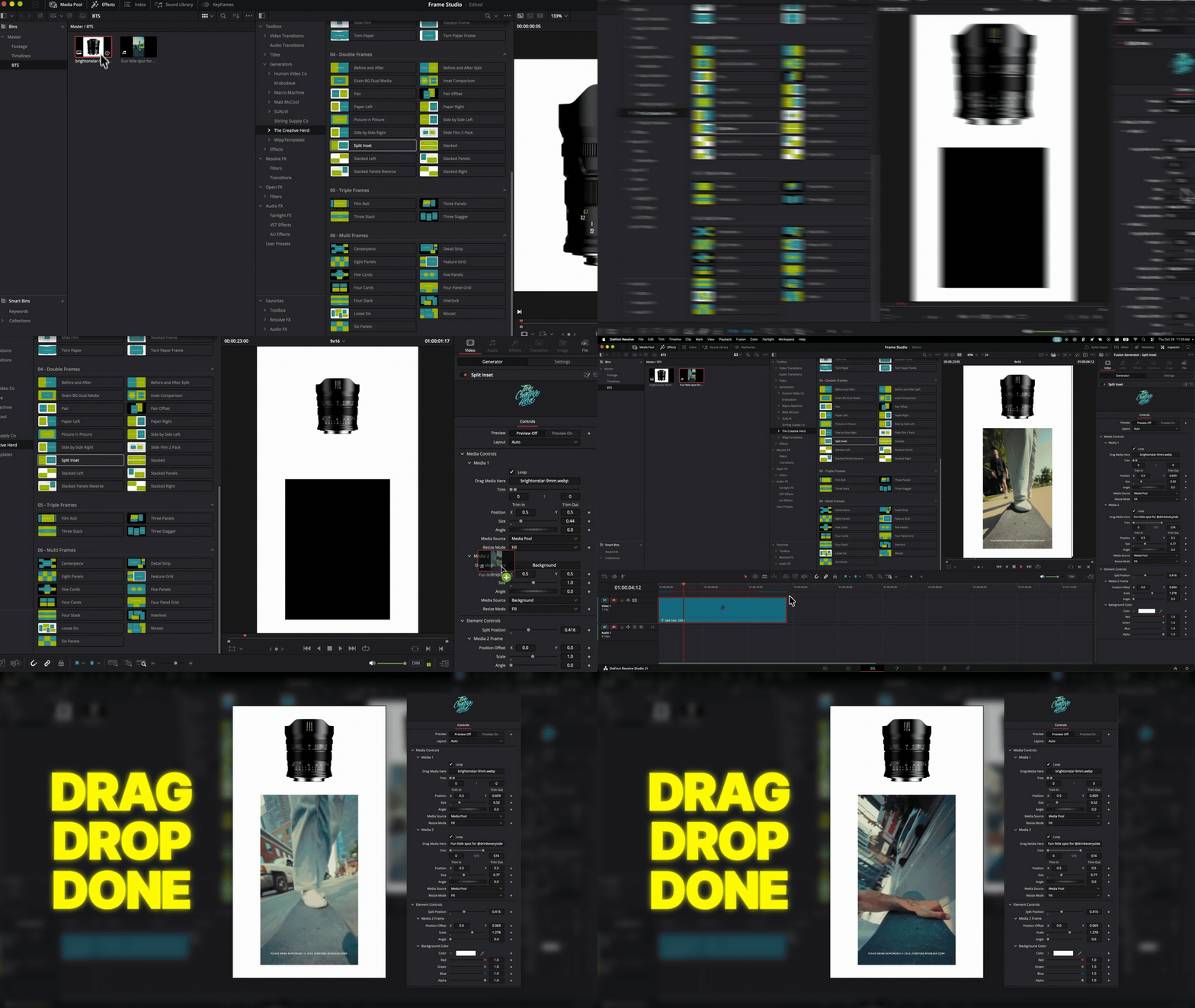
Each template comes with its own set of controls. Drop in your media and adjust the available media, text, and element controls directly in the Inspector on the Edit page.
FROM INSTALL TO YOUR TIMELINE
- Unzip your download.
- Double-click the DRFX installer. Find Frame Studio under Effects → Generators → The Creative Herd → Frame Studio.
- Add a template to your timeline. Turn Preview off to use your media, then adjust the available controls in the Inspector.