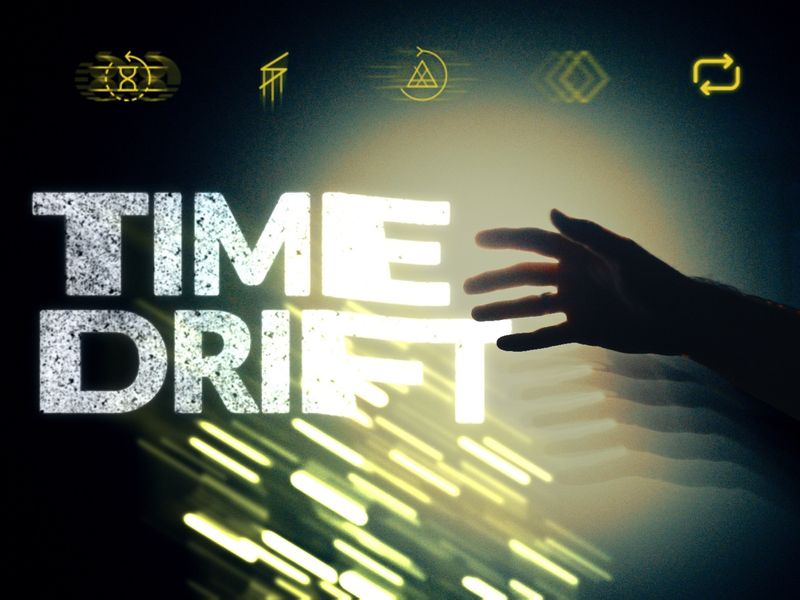
Time Drift
5 DRAG & DROP EFFECTS TO DISTORT TIME
Stretch motion, layer echoes, and create trails of color. Drop five native OpenFX effects onto clips on the Edit page in DaVinci Resolve and adjust them in the Inspector.
Try the interactive demos
WHAT YOU GET
- Five native OpenFX effects. Echo, Slow Shutter, Time Shift, Stutter, and Prism.
- Time Drift 1.0 Mac installer and a Getting Started guide.
Compatibility. Apple Silicon Mac (M1 or newer), macOS 12 or later. Works with the free version of DaVinci Resolve and with DaVinci Resolve Studio. Tested with Studio 21.1.
ECHO
Repeat moments for distinct echoes, turn motion into glass-like streaks, or stretch moving details into long trails.
SLOW SHUTTER
Recreate shutter drag in post. Choose a frame-rate preset and dial in the length of your motion trails.
TIME SHIFT
Pull motion up or down into vertical streaks. Use the Static, Pulse, and Shake presets to change how the streaks move.
ON-SCREEN CONTROLS
Adjust Time Shift’s streak length, angle, coverage, and mix with handles in the Resolve viewer.
STUTTER
Pick two moments, adjust the hold speed, and add temporal trails with Streak. Classic steps through repeated frames. Soft Trails leaves a trace behind them.
PRISM
Split motion into color trails with Spectrum, isolate the brightest details with Highlight Spectrum, or offset the colors with Delay.
FROM INSTALL TO YOUR TIMELINE
- Unzip the download. Save your work and quit DaVinci Resolve.
- Run the Mac installer. Reopen Resolve and find the effects under The Creative Herd / Time Drift in Open FX.
- Drop an effect onto a clip on the Edit page and adjust it in the Inspector.
The installer is unsigned and not notarized. If macOS asks for approval, follow Apple’s instructions for opening the installer.